STARTER
Meet Coding
Understand websites, instructions and simple HTML.
A fun, practical coding space where young people learn digital skills, explore technology and turn creative ideas into real projects.
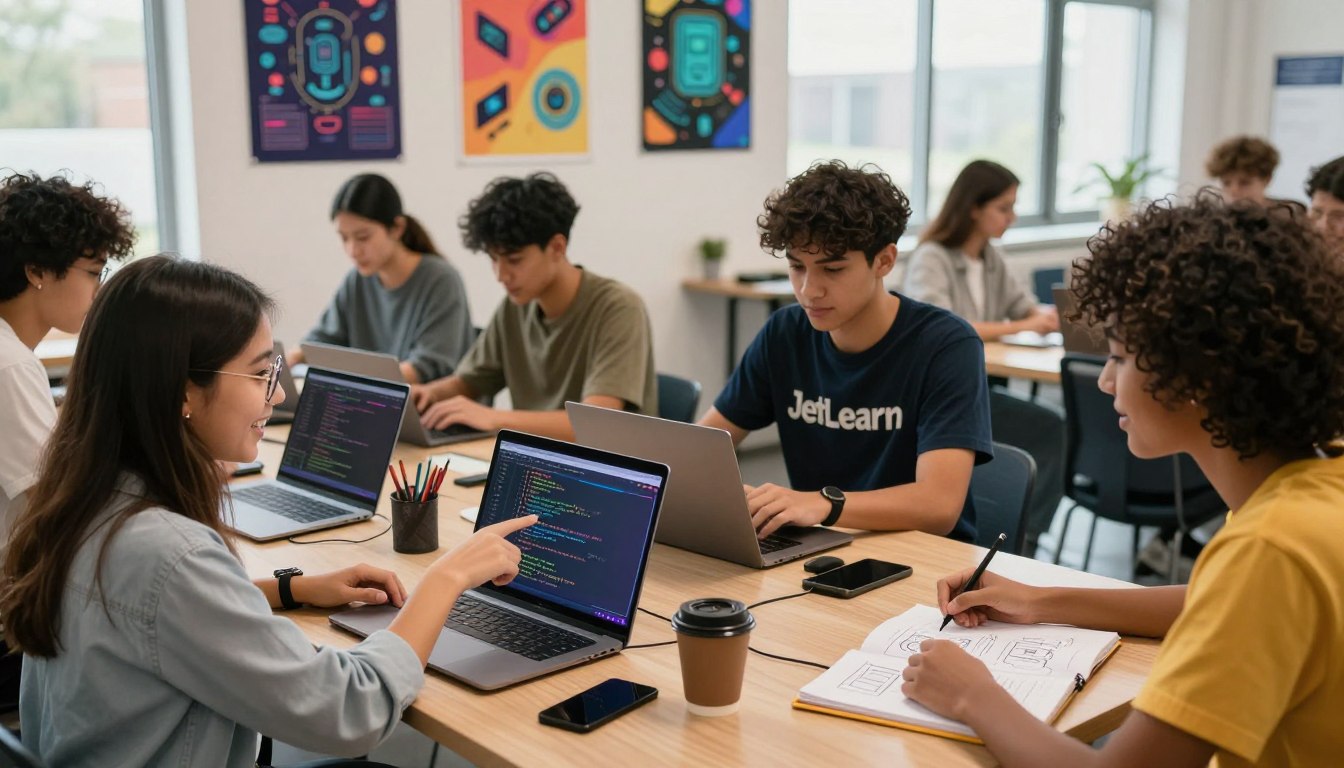
Ethan Code can begin with pictures and simple instructions, then gradually move toward real written code.
You can change your learning path anytime.
Start with the easy lessons. New ideas become available as you grow.
Understand websites, instructions and simple HTML.
Learn colours, spacing and page layouts with CSS.
Use JavaScript and Python ideas to make things happen.
Plan, create, test and proudly present your own work.
Course names are simple first. The real technical words are introduced inside the lessons when you are ready.
Learn the ideas in Ethan Code, then practise with the official tools used to create stories, games, apps, websites and physical computing projects.
Some external platforms may require an account or a separate app. Ethan Code lessons guide learners through the concepts; external tools are opened on their own official websites.
Short missions turn coding ideas into something you can see and solve.
Coding is about giving clear instructions in the correct sequence. Move the cards until the character reaches the star.
Goal: help Ethan Bot reach ⭐.
Make characters speak and choices change what happens.
Use events, scores and rules to build a simple challenge.
Use shapes, colours and patterns to make digital art.
Create a webpage about a safe topic you enjoy.
Drag blocks into the workspace, connect them, generate JavaScript and run your program in a separate sandboxed preview. Start with a ready-made example or create your own.
Connect a few blocks, then choose “Show JavaScript”.
The built-in Block Lab uses Blockly to teach visual programming and generates JavaScript for its preview. Scratch is a separate visual storytelling and game-making platform; open its official editor above for full Scratch projects. Other language tracks explain Python, Java, C, C++, TypeScript and more, but those languages do not run in this browser preview.
Create a complete webpage using HTML, CSS and JavaScript. Select a language, edit the example, and run your code. Your page appears immediately beneath the editor.
Privacy note: these workshop tools store progress and portfolio entries in this browser only. They do not upload student work to a server or provide cloud sync. Do not add private personal information.
Create a class, invite learners with a class code, publish coding assignments and review submissions from anywhere.
Use a valid email address. A verification code will be sent to your inbox when you register.
Loading your classrooms…
| Student | Assignment | Score | Feedback | Date |
|---|---|---|---|---|
| No submissions yet. | ||||
Select a class to load assignments.
This studio runs HTML, CSS and browser JavaScript. Java is a different language and requires a separate Java runtime; it cannot run in this webpage editor. Downloaded pages can be opened in your browser.
This box is only for practice. Follow the lesson, change one thing at a time, then press Show My Page.
Type a heading and a short message. Mistakes are part of learning.
Twelve progressive coding tasks across HTML, CSS and JavaScript. Write real code, run a live preview, then check your solution against clear requirements. Unlock the next task as you progress—or explore any task at your own pace.
Create a friendly webpage about an imaginary character, hobby or school club.
Starter ProjectUse CSS to turn plain information into a neat learning card.
Explorer ProjectMake buttons change a number and learn how a webpage can react.
Builder ProjectChoose a useful idea, plan it, build it in small steps, test it and explain what you learned.
Creator Project